Skip to content
View in the app

A better way to browse. Learn more.

Transgender Message Forum @ TGGuide.com

A full-screen app on your home screen with push notifications, badges and more.

To install this app on iOS and iPadOS
  1. Tap the Share icon in Safari
  2. Scroll the menu and tap Add to Home Screen.
  3. Tap Add in the top-right corner.
To install this app on Android
  1. Tap the 3-dot menu (⋮) in the top-right corner of the browser.
  2. Tap Add to Home screen or Install app.
  3. Confirm by tapping Install.
  • Entries

    2
  • Comments

    3
  • Views

    3,353

About this blog

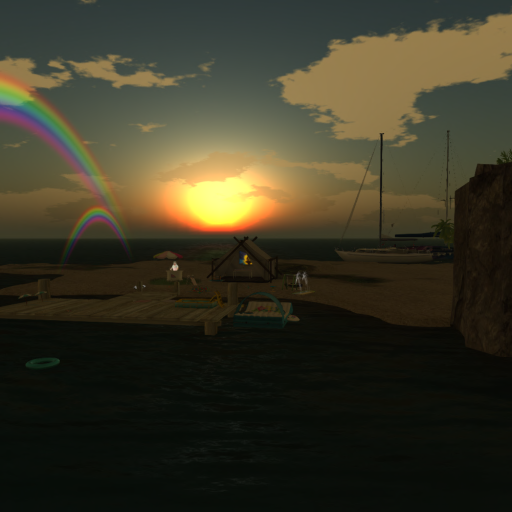
A collection of the scattered thoughts of a human-sort of person expressing themselves through their Second Life character.
Readers may come to understand that the Human and the Character aren't that far apart after all.

Entries in this blog

Copied from the forum topic "The start of my Journey" in General Transgender Discussion.  Dezzy discovers blogging! YAY! I've mentioned in a couple of threads that I'm just coming to my identity.  It's very confusing and I don't have the language I need to express myself cleanly.  But that's what our community is for isn't it?  To help people coming into this new knowing of themselves to express themselves and understand better. I came of age in the eighties, in the Midwest of the Unit
  • Dezzy
This past weekend I was part of a discussion about transition and digital identities.  Since I've been taking a really deep introspective dive through my digital identity in Second Life, and through this community and on various forms of Social Media.  I had thoughts. Assuming you are expressing yourself genuinely (as opposed to deliberately playing the role of a character separate from you), then however that expression presents is *valid*.  Even if you're presenting in with a different na
  • Dezzy

Account

Navigation

Search

Search

Configure browser push notifications

Chrome (Android)
  1. Tap the lock icon next to the address bar.
  2. Tap Permissions → Notifications.
  3. Adjust your preference.
Chrome (Desktop)
  1. Click the padlock icon in the address bar.
  2. Select Site settings.
  3. Find Notifications and adjust your preference.