Halloween/Samhain Dress-up

By WarrenG
· 1,584 views
So after some prompting from the boyfriend (Really wasnt in the mood due to the news in the previous blog) I decided to get off my butt and dress up for halloween. I had to work this halloween which is fine because I love to see all the costumes and knew it would cheer me up somehow. He let me use him as my first victim before getting myself ready.
Here's the Results:
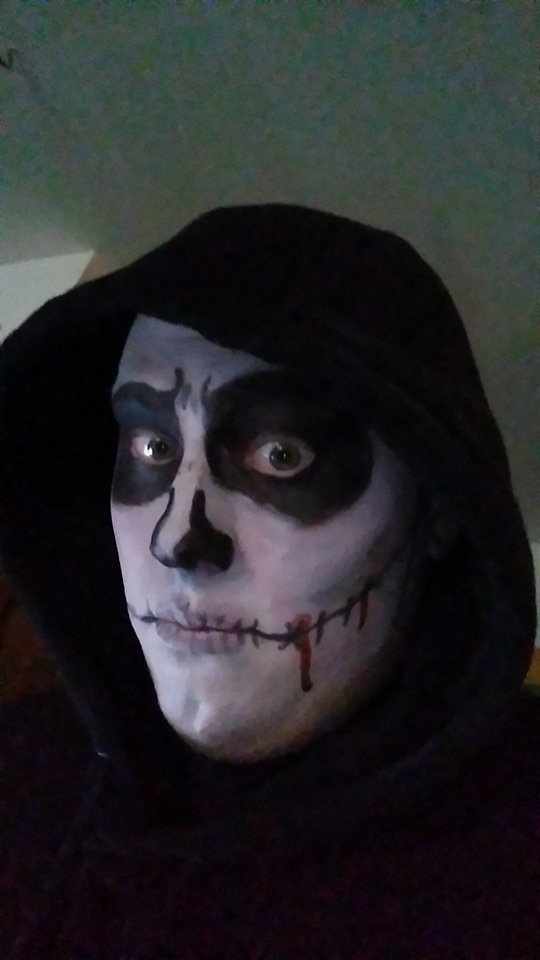
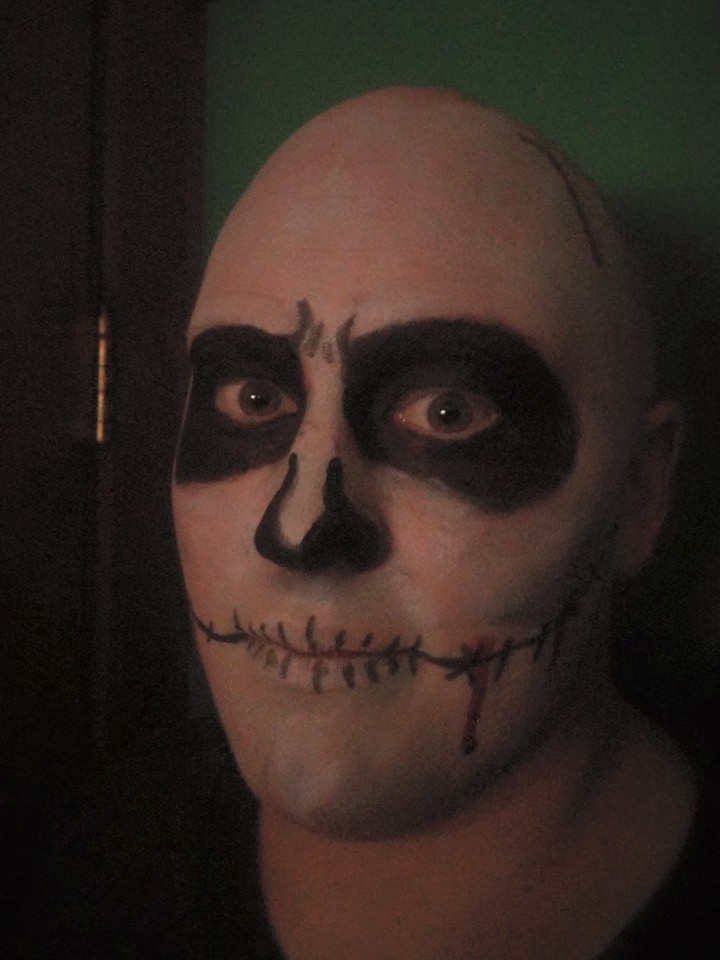
Justin as a skeleton thingie (first time Ive ever face painted someone)
And me, A zombie Police officer, intended in reference to Walking Dead style. Though someone accused me of making a joke for Police Brutality, in which case I was wishing to demonstrate Police Brutality on his dumbass.
Zombie Ren
.JPG.427693dd05c7d6dcbc045e9e1b251385.JPG)
.JPG.b6ca5c432c0f05f823b37f560b55f62f.JPG)
.JPG.f69e29a360af73da2dc907cd9abe1c50.JPG)
.JPG.8964d7870728ff3fccea882354f0cc69.JPG)
So, yeah. Halloween.
Plus I think I got flirted with.
The (obviously gay) gas station attendant that I see all the time (its where I have to refuel the company Jeep) complimented me on my costume and even did a whole lean-back-smile-and-nod with a "mmmmmhmmmm, damn" comment. Said it was the best costume he'd seen all night and gave me pieces of his personal stash of candy 0.o Well, okay lol thank you?
Anyways, yeah.
If it's not bloody, its not fun.
Warren
-
 2
2
Recommended Comments