Skip to content
View in the app

A better way to browse. Learn more.

Transgender Message Forum @ TGGuide.com

A full-screen app on your home screen with push notifications, badges and more.

To install this app on iOS and iPadOS
  1. Tap the Share icon in Safari
  2. Scroll the menu and tap Add to Home Screen.
  3. Tap Add in the top-right corner.
To install this app on Android
  1. Tap the 3-dot menu (⋮) in the top-right corner of the browser.
  2. Tap Add to Home screen or Install app.
  3. Confirm by tapping Install.

3 Comments

Recommended Comments

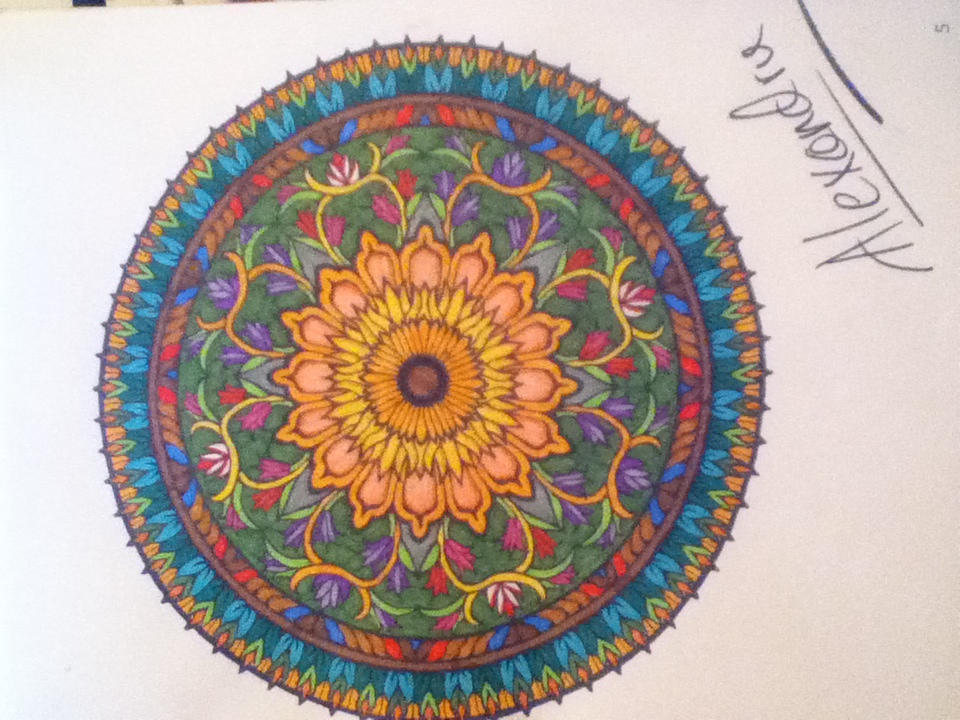
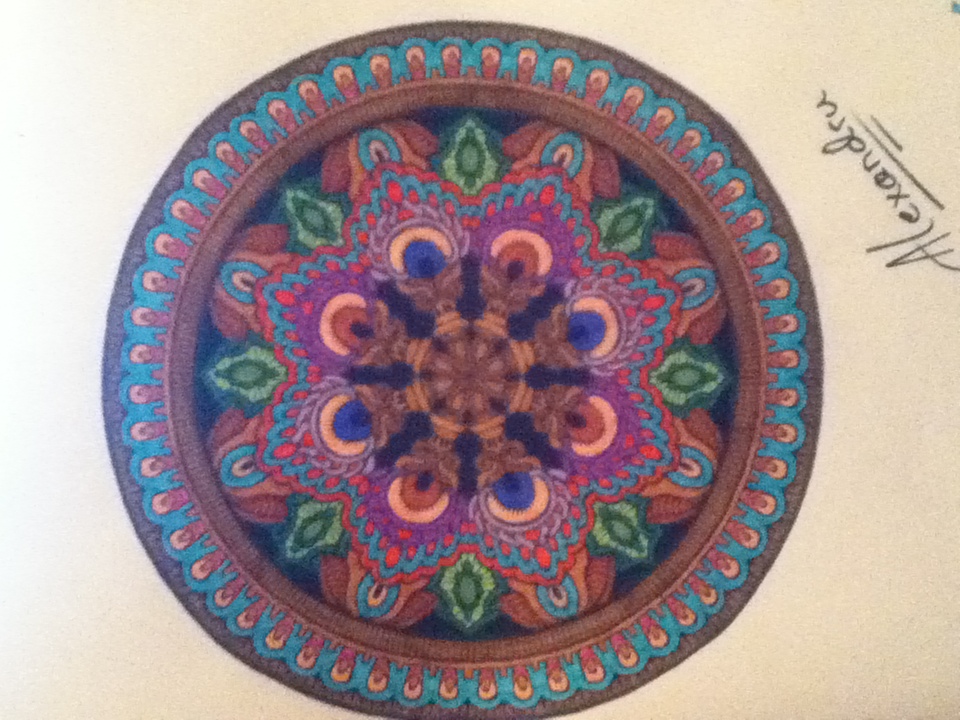
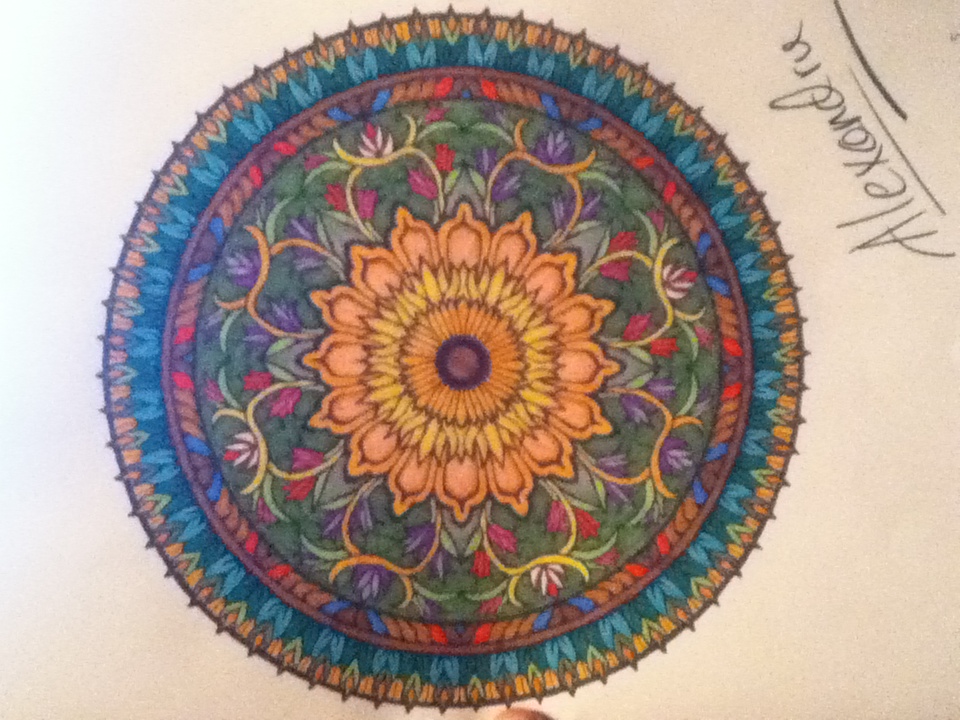
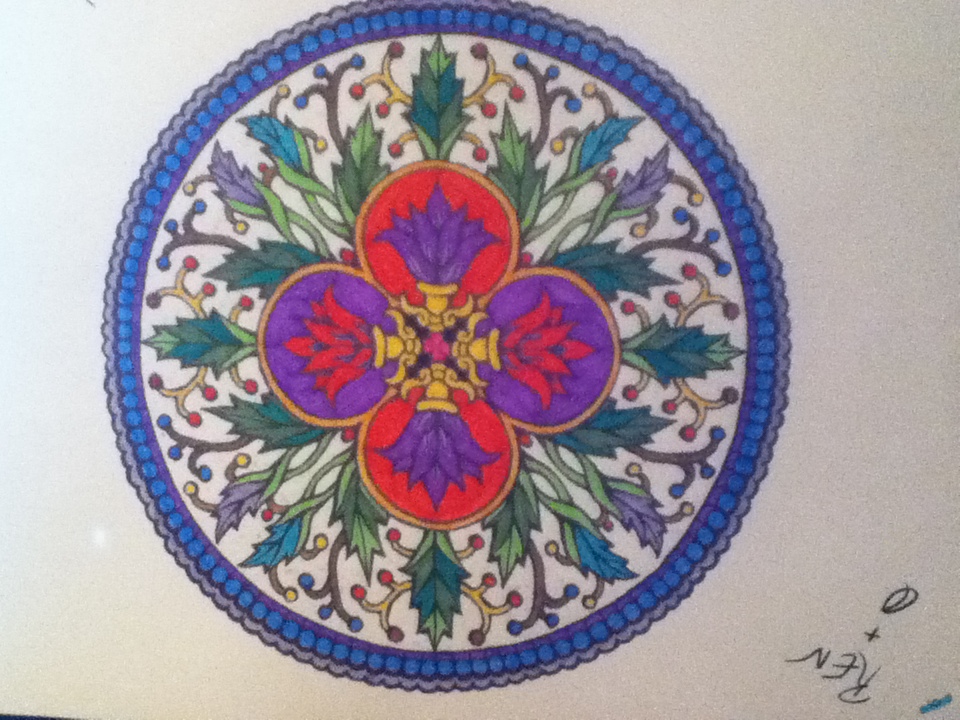
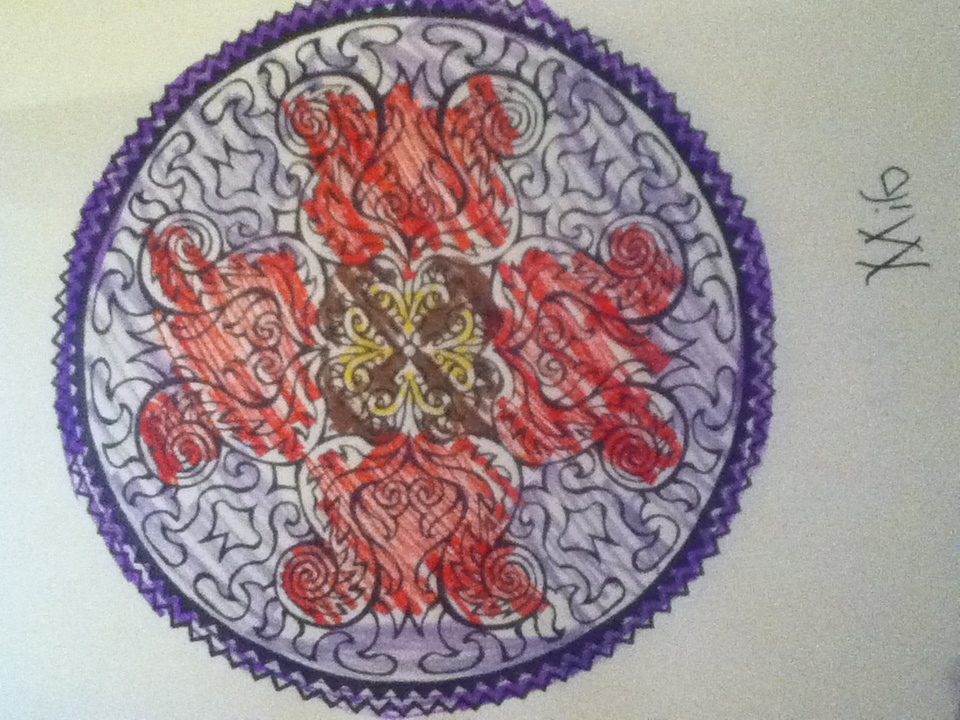
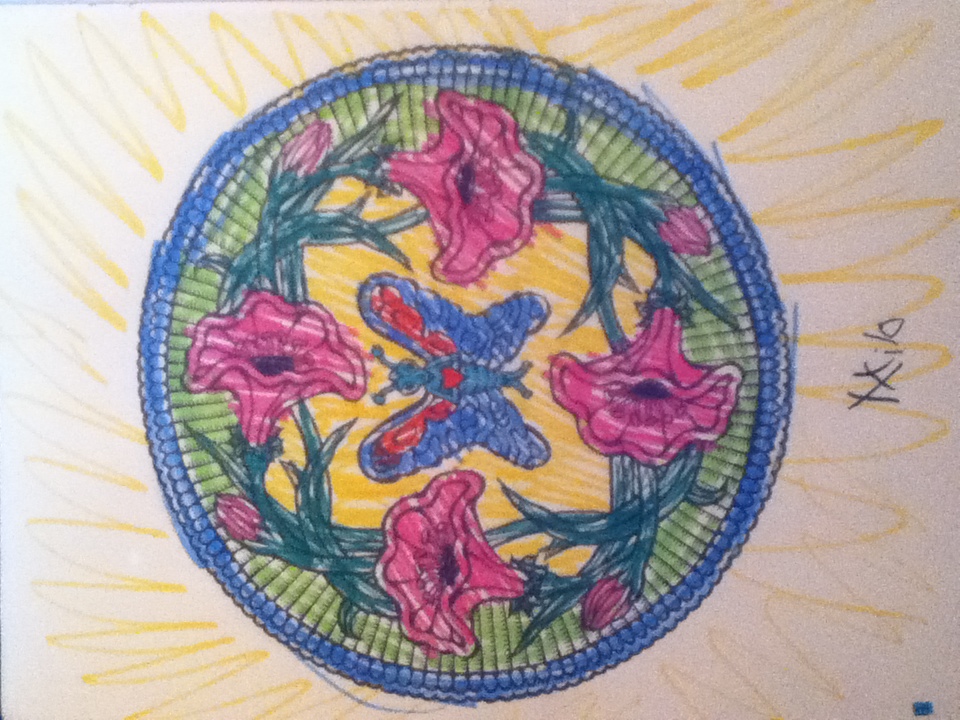
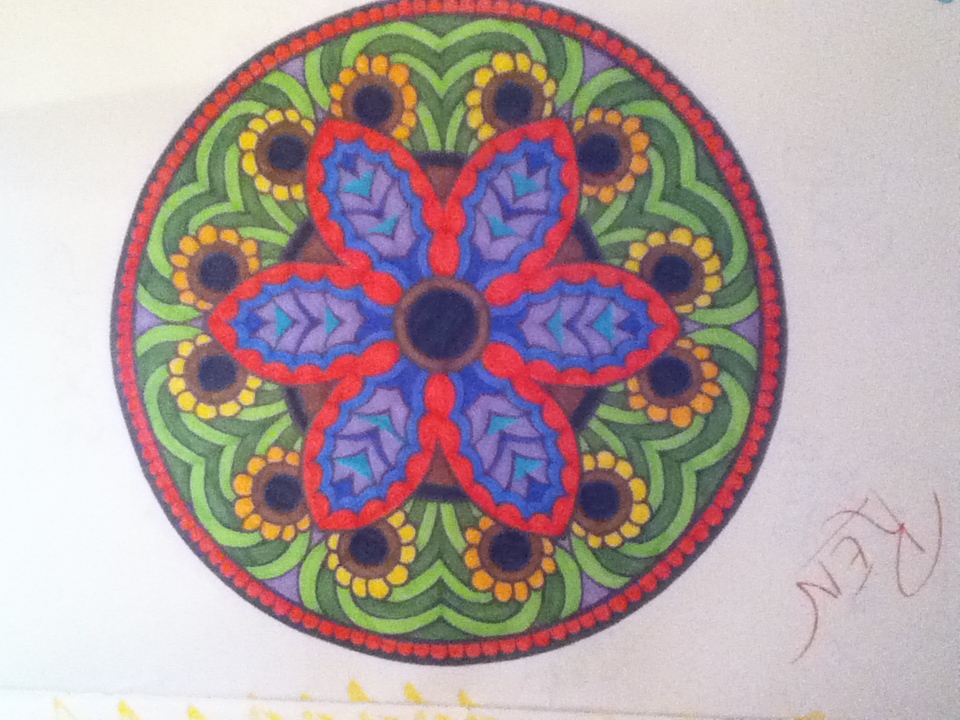
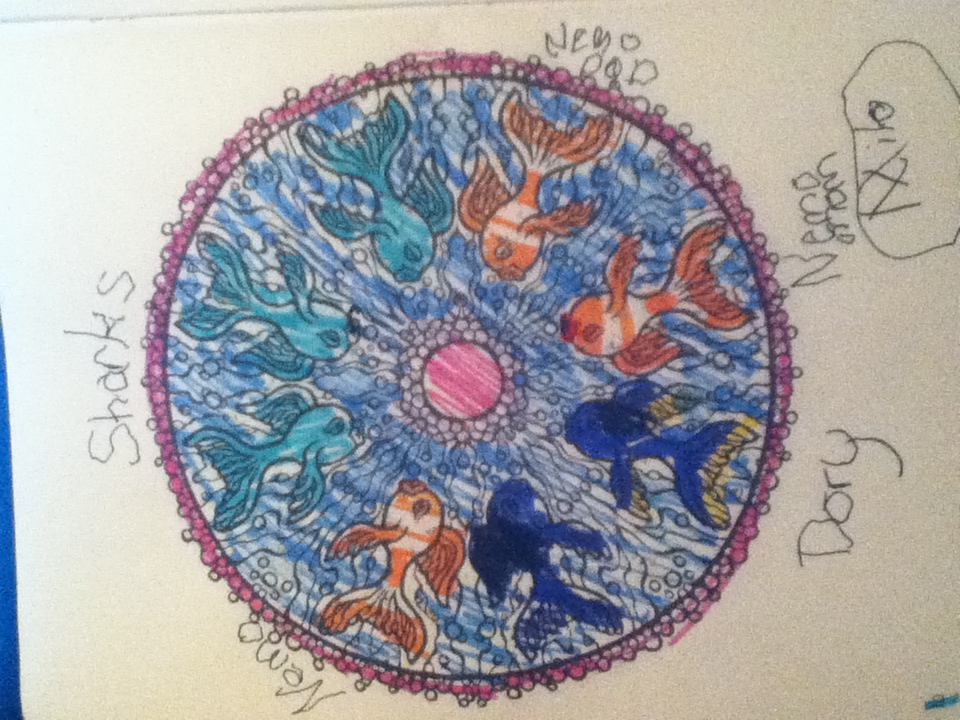
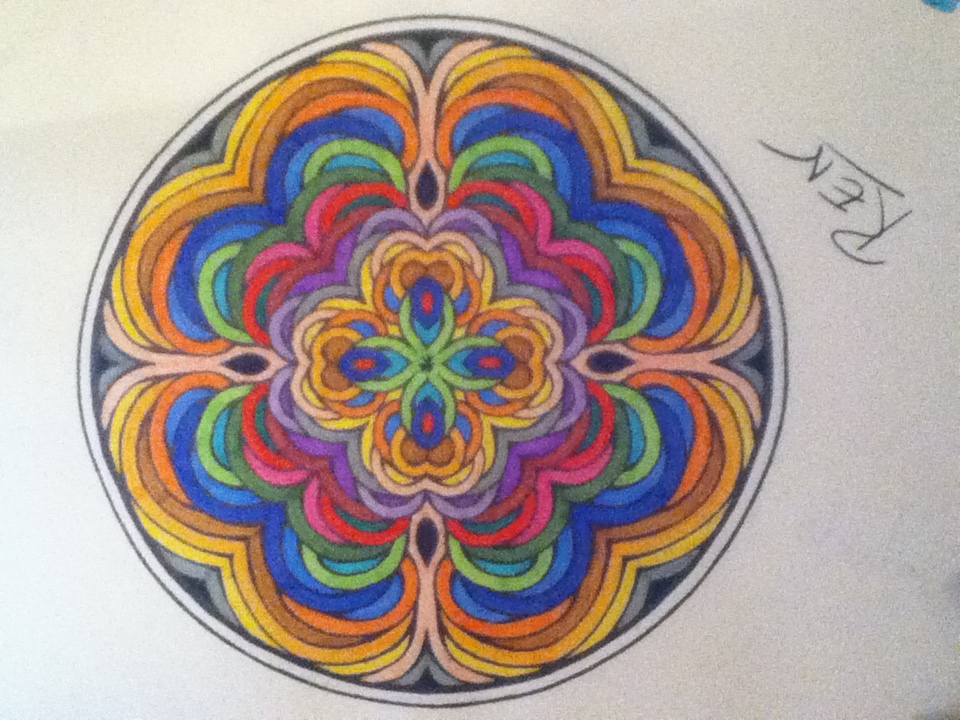
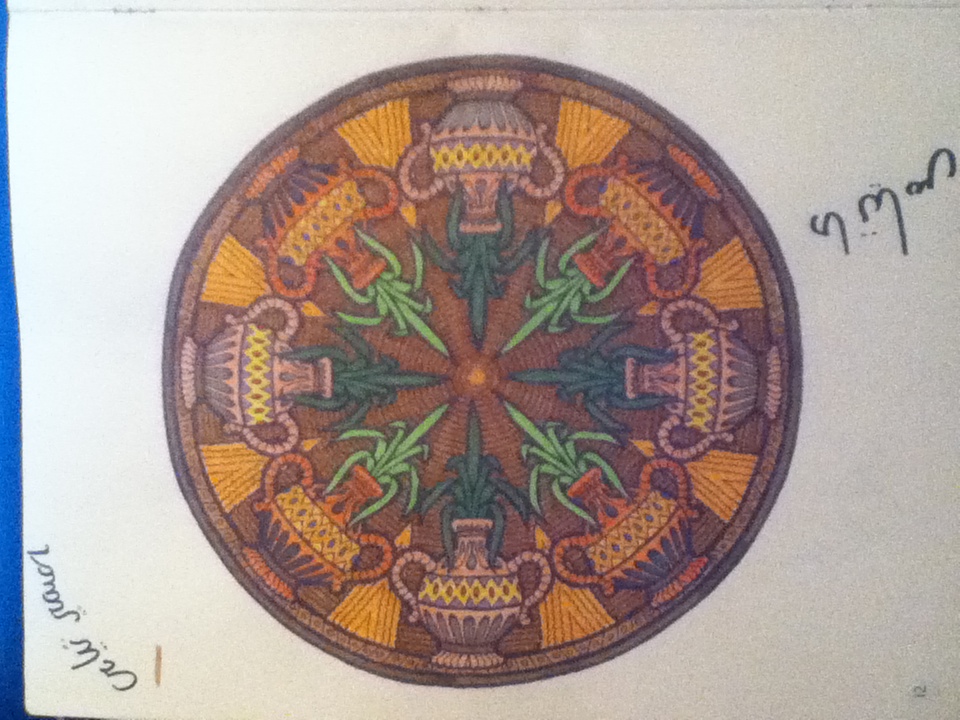
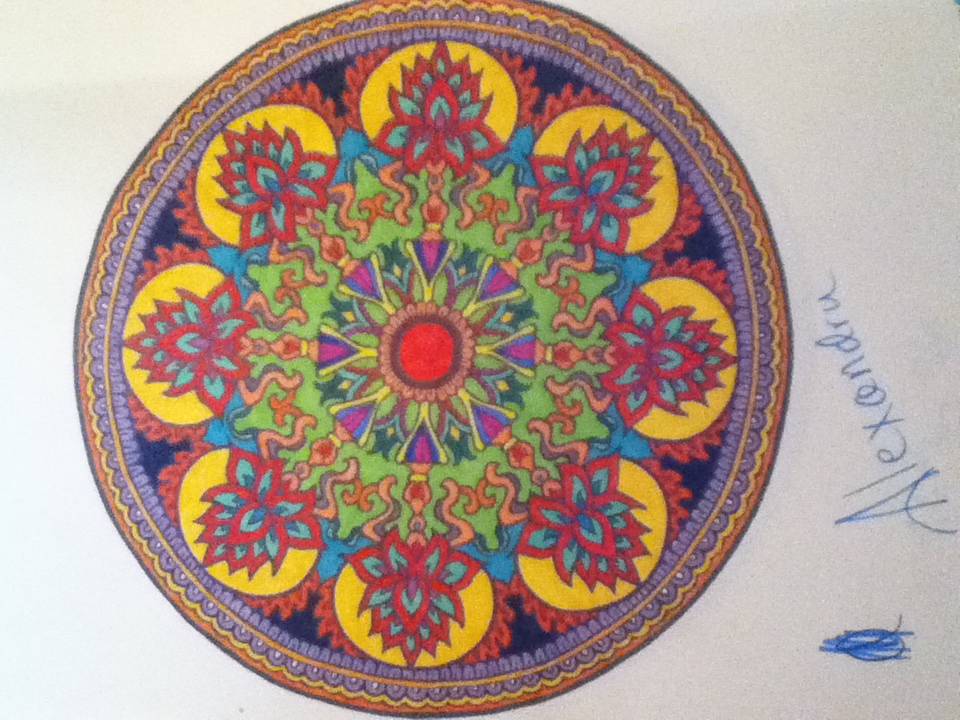
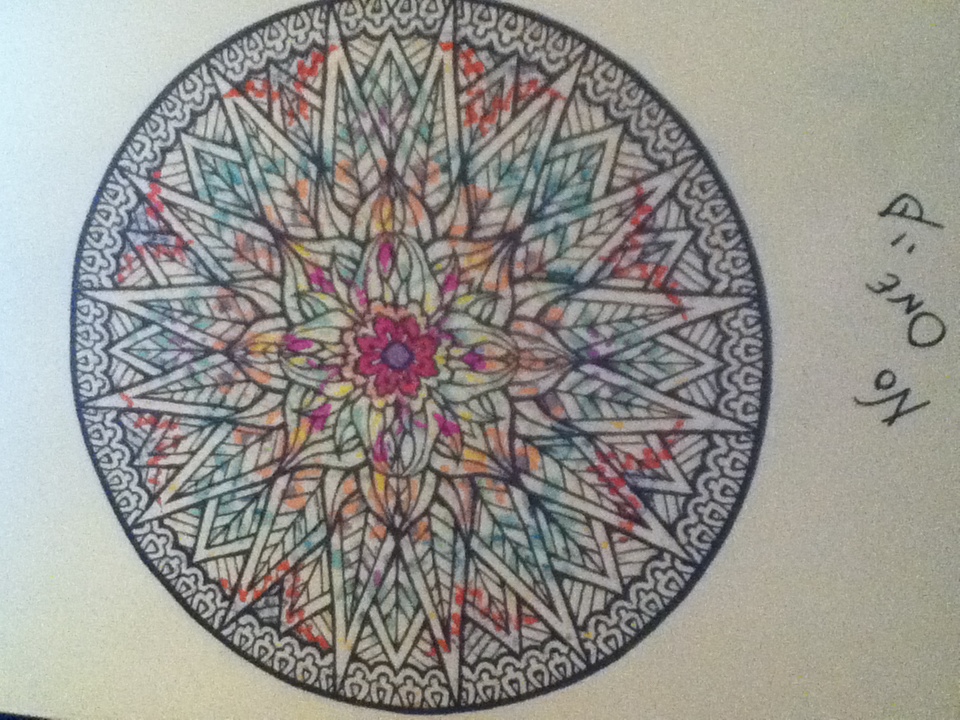
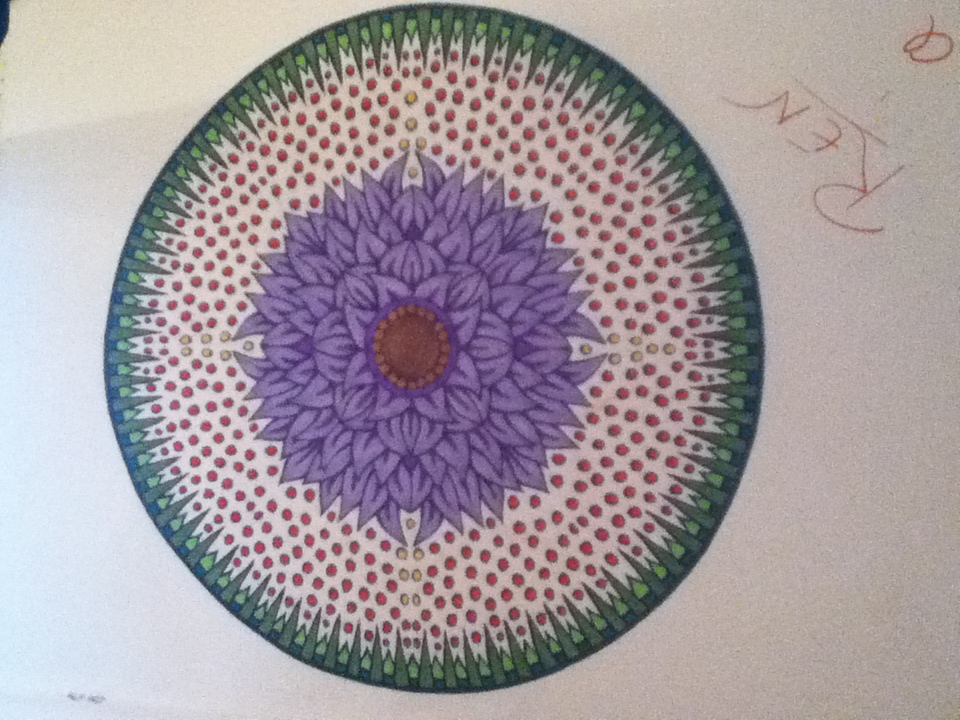
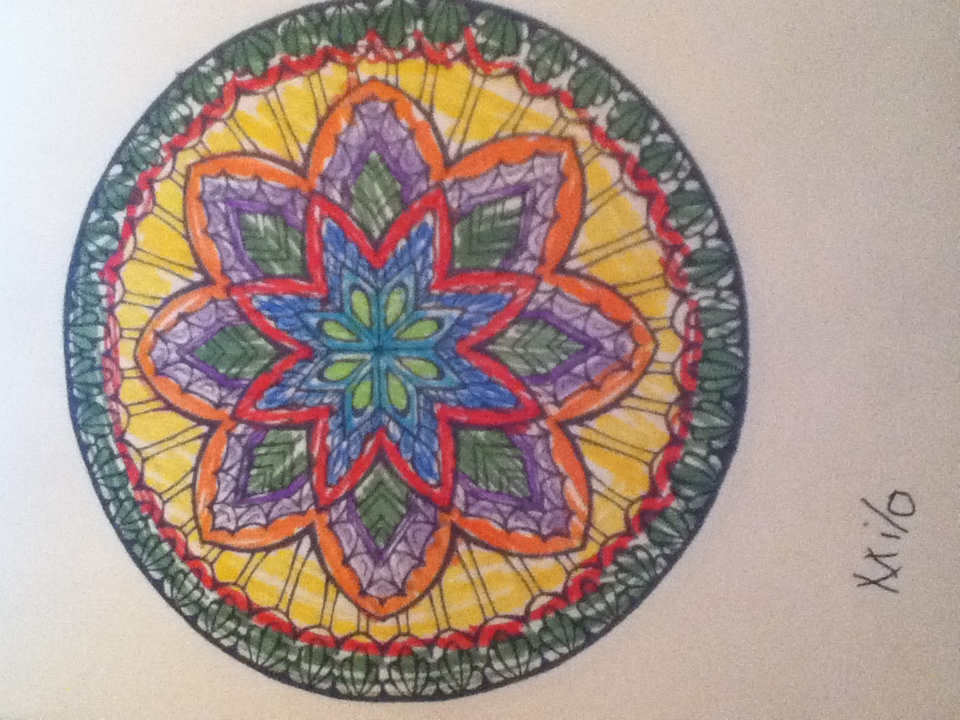
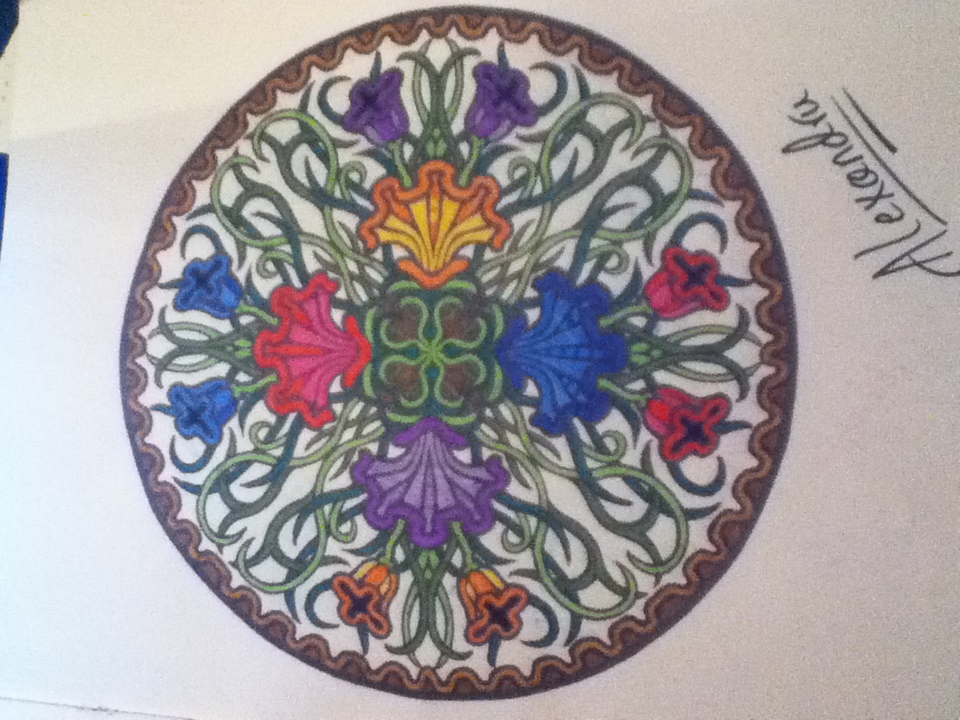
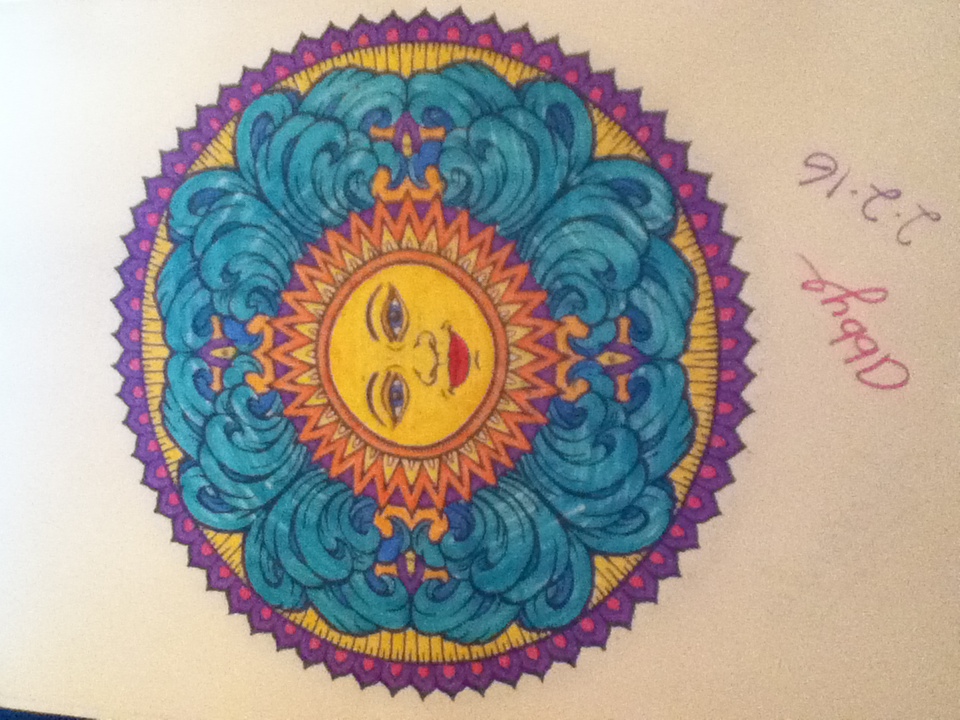
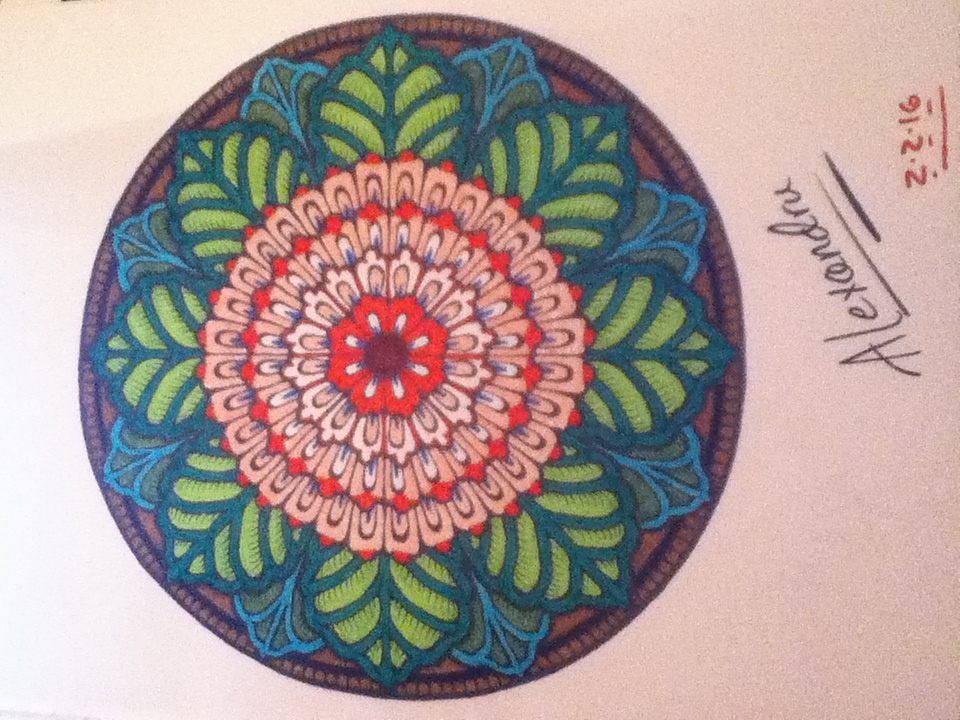
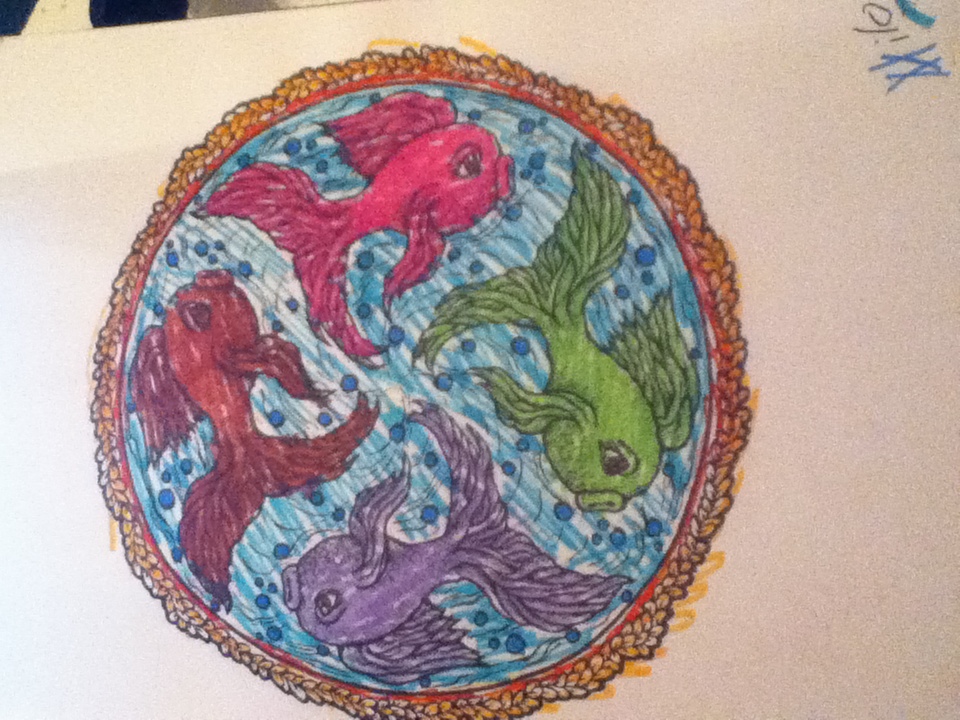
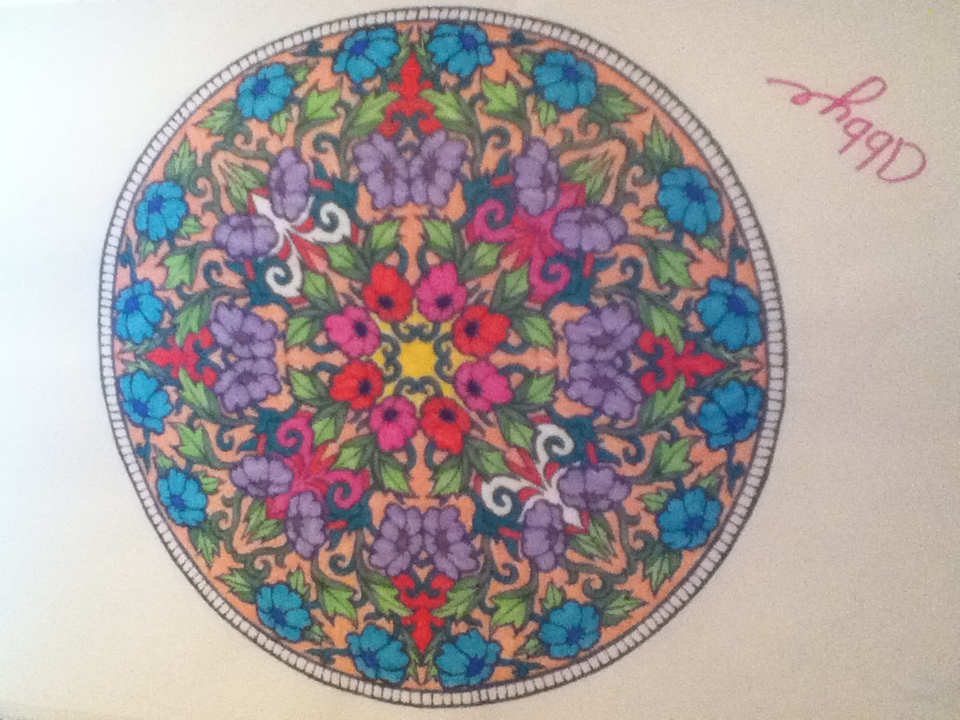
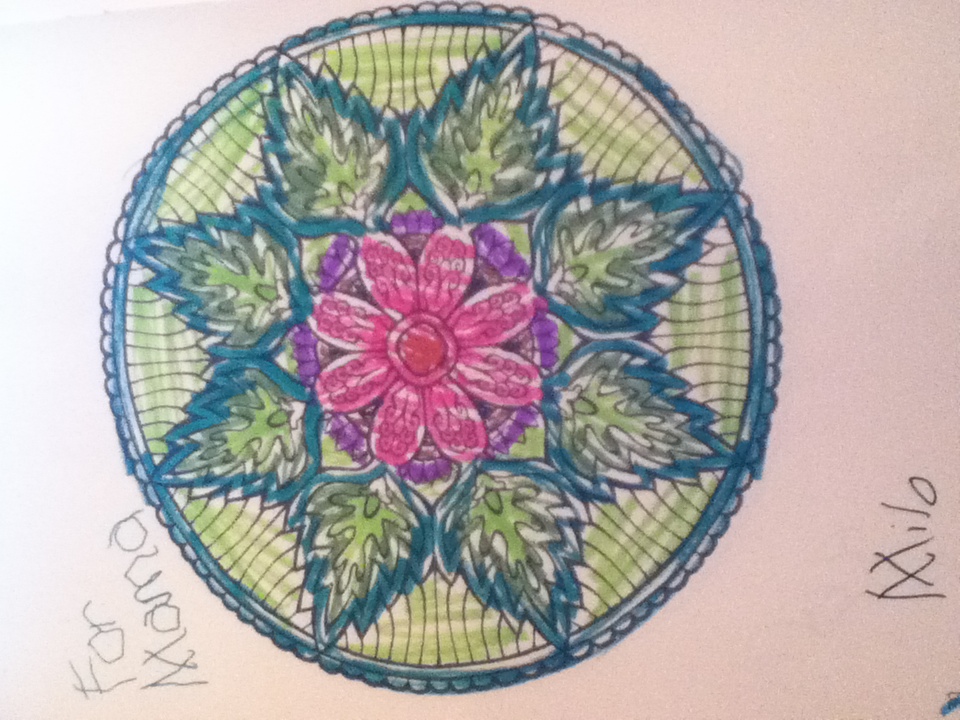
Wow, you made those? They're beautiful! I wonder how you do it. They are so detailed. They must take a long time to make; that looks like a years worth.

Hugs,

Emma

AlexandruVlk

Members

I do not 'make them' I just color them. Theyre from an adult coloring book. I get them as blank canvases and just add color.

Regardless, they are beautiful and I'm sure they take serious effort.  Me? I can't stay in the lines... :P

Guest
Add a comment...

Account

Navigation

Search

Search

Configure browser push notifications

Chrome (Android)
  1. Tap the lock icon next to the address bar.
  2. Tap Permissions → Notifications.
  3. Adjust your preference.
Chrome (Desktop)
  1. Click the padlock icon in the address bar.
  2. Select Site settings.
  3. Find Notifications and adjust your preference.