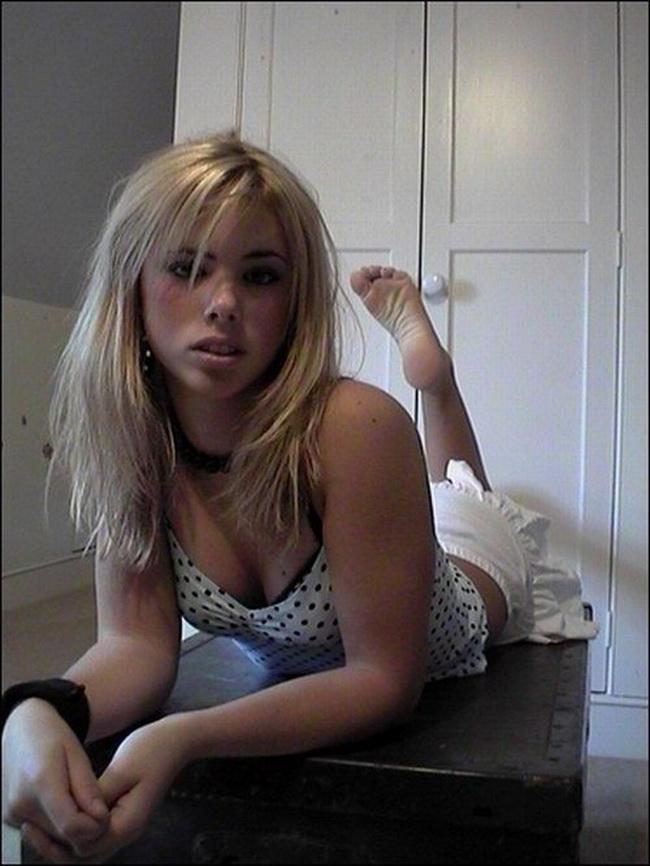

CuteChristal
-
Joined
-
Last visited
About Me
My name is Christal, I am 18 years old and live in Denver. Ethnically Scandinavian, w/naturally blonde hair and light blue eyes (and it's a curse!)
I started HRT at age 13 (initially DIY because of unaccepting parents) b/c I could never consider being anything but a girl. I was in a deep, deep depression for most of the years of my childhood b/c I was being forced to grow into a... well, in my mind, I was going to become a hairy *monster.* But I am so, so happy and feel so empowered now I can live my life as a woman. I am free of the evil spell that somehow was cast upon me, and I can embrace femininity throughout the rest of my life. Thank goodness for science and modern medicine! Go Science!
I am currently studying at a good university on a scholarship and have a dual major in Physics and English Composition. My career fantasy is to become a novelist/screenwriter and director of high-quality, science fiction stories in the vein of Alien, Prometheus, Avatar, Jurassic World, and many more (my imagination runs amok). However, if that doesn't work out, there are many alternative paths I can choose. The world is my oyster!!!
I chose the screen name 'CuteChristal' not because I am full of myself, but because everyone constantly tells me, "you're so "cute!" Maybe someday I'll grow into 'BeautifulChristal' lol. Say hi if you stumble across me!