Skip to content
View in the app

A better way to browse. Learn more.

Transgender Message Forum @ TGGuide.com

A full-screen app on your home screen with push notifications, badges and more.

To install this app on iOS and iPadOS
  1. Tap the Share icon in Safari
  2. Scroll the menu and tap Add to Home Screen.
  3. Tap Add in the top-right corner.
To install this app on Android
  1. Tap the 3-dot menu (⋮) in the top-right corner of the browser.
  2. Tap Add to Home screen or Install app.
  3. Confirm by tapping Install.

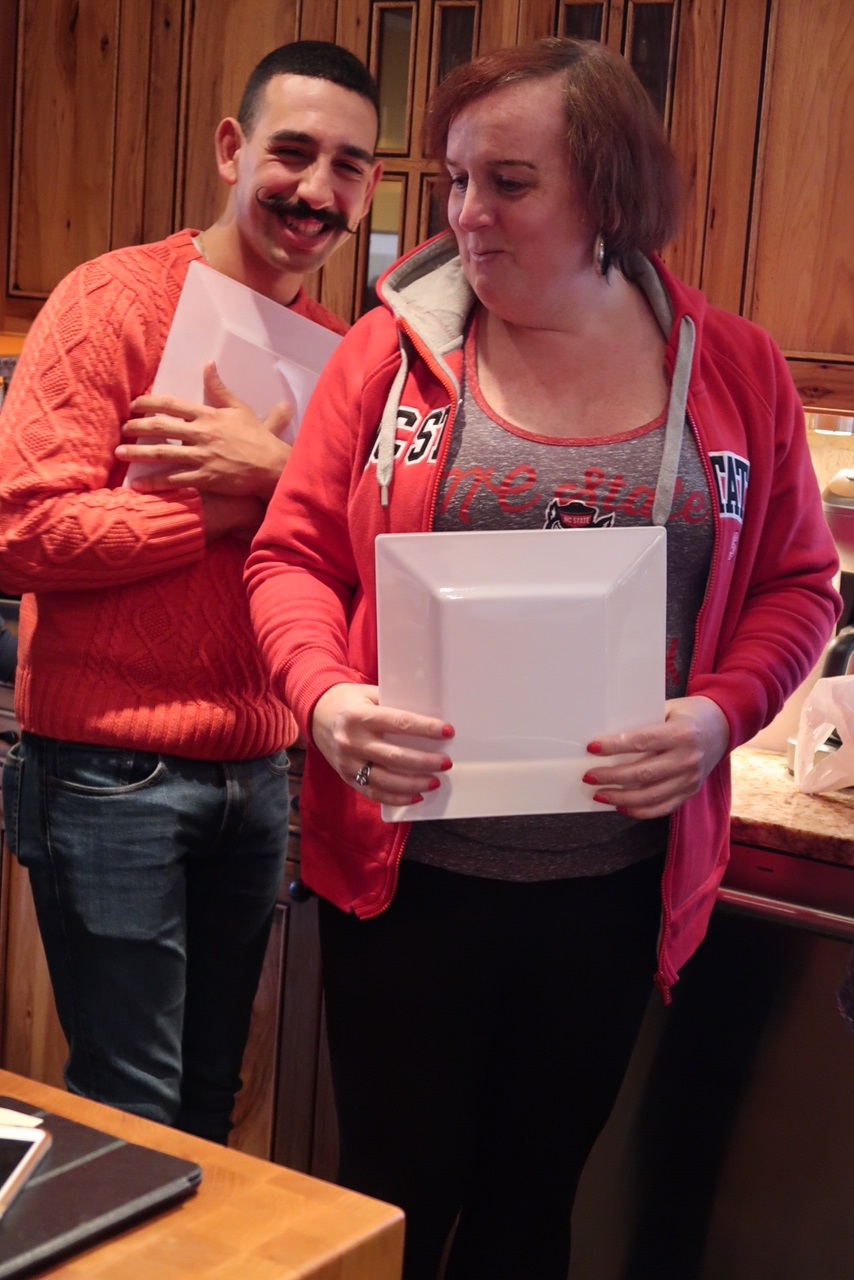
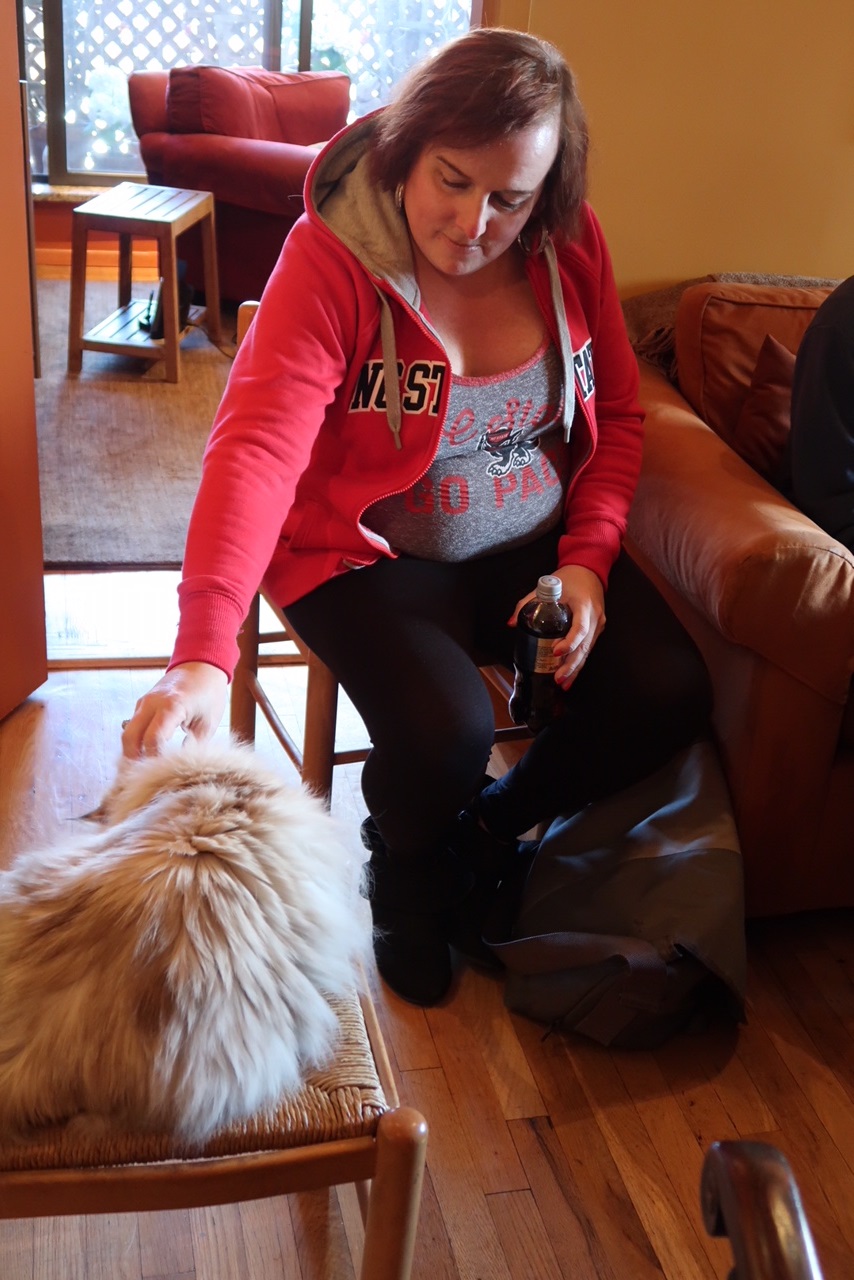
Pics from a recent lunch

(0 reviews)

Hi everyone!

I haven't posted in awhile, but I recently had these pics sent to me and wanted to share them - also to observe that I do want to share them!  That's been one of the more amazing parts of transitioning, before that I didn't want my picture taken, if it was I didn't want to see it, and I certainly wouldn't have shared it.

These were taken at a lunch that we had after the completion of a recent round of supervision with the volunteer organization I belong to. The person taking them is one of the group members and was just taking lots of pictures, so I had largely forgotten that he was even doing it :-)  (clearly I also didn't realize that he was occasionally zooming-in, as in the first picture).



Chrissy 1.mar3018.jpg

Chrissy 2.mar3018.jpg

Chrissy 3.mar3018.jpg

2 Comments

Recommended Comments

Dear Chrissy,

Love the close-up and your cat. 

You are a pretty girl and have nothing to be ashamed of. Particularly like your eyes and hair!

Your friend,

Monica

Guest
Add a comment...

Account

Navigation

Search

Search

Configure browser push notifications

Chrome (Android)
  1. Tap the lock icon next to the address bar.
  2. Tap Permissions → Notifications.
  3. Adjust your preference.
Chrome (Desktop)
  1. Click the padlock icon in the address bar.
  2. Select Site settings.
  3. Find Notifications and adjust your preference.