Skip to content
View in the app

A better way to browse. Learn more.

Transgender Message Forum @ TGGuide.com

A full-screen app on your home screen with push notifications, badges and more.

To install this app on iOS and iPadOS
  1. Tap the Share icon in Safari
  2. Scroll the menu and tap Add to Home Screen.
  3. Tap Add in the top-right corner.
To install this app on Android
  1. Tap the 3-dot menu (⋮) in the top-right corner of the browser.
  2. Tap Add to Home screen or Install app.
  3. Confirm by tapping Install.

Happy Birthday Monica!!!

(0 reviews)

I learned just a few minutes ago that Monica's birthday was last Friday, 1/19. Birthdays are a big deal, especially for those of us who're contending with being trans, lesbian, disabled, ... And heck, we keep getting OLDER. I'll not advertise Monica's age, will leave that up to her to divulge. That said this year is a milestone for her.

Monica was the first to great me, with warmth and sincerity, when I joined TGG about 3 1/2 years ago. That was such a difficult time for me. It seemed clear that I was trans but I didn't really know enough to be 100% positive. I'd come out to my wife who was devastated. I was in a bad way, somehow found TG Guide, and Monica was there for me. 

I greatly appreciate Monica's steadfast support and friendship. Please join in and wish her a Happy New Year and wonderful Birthday!

Love to all,

Emma

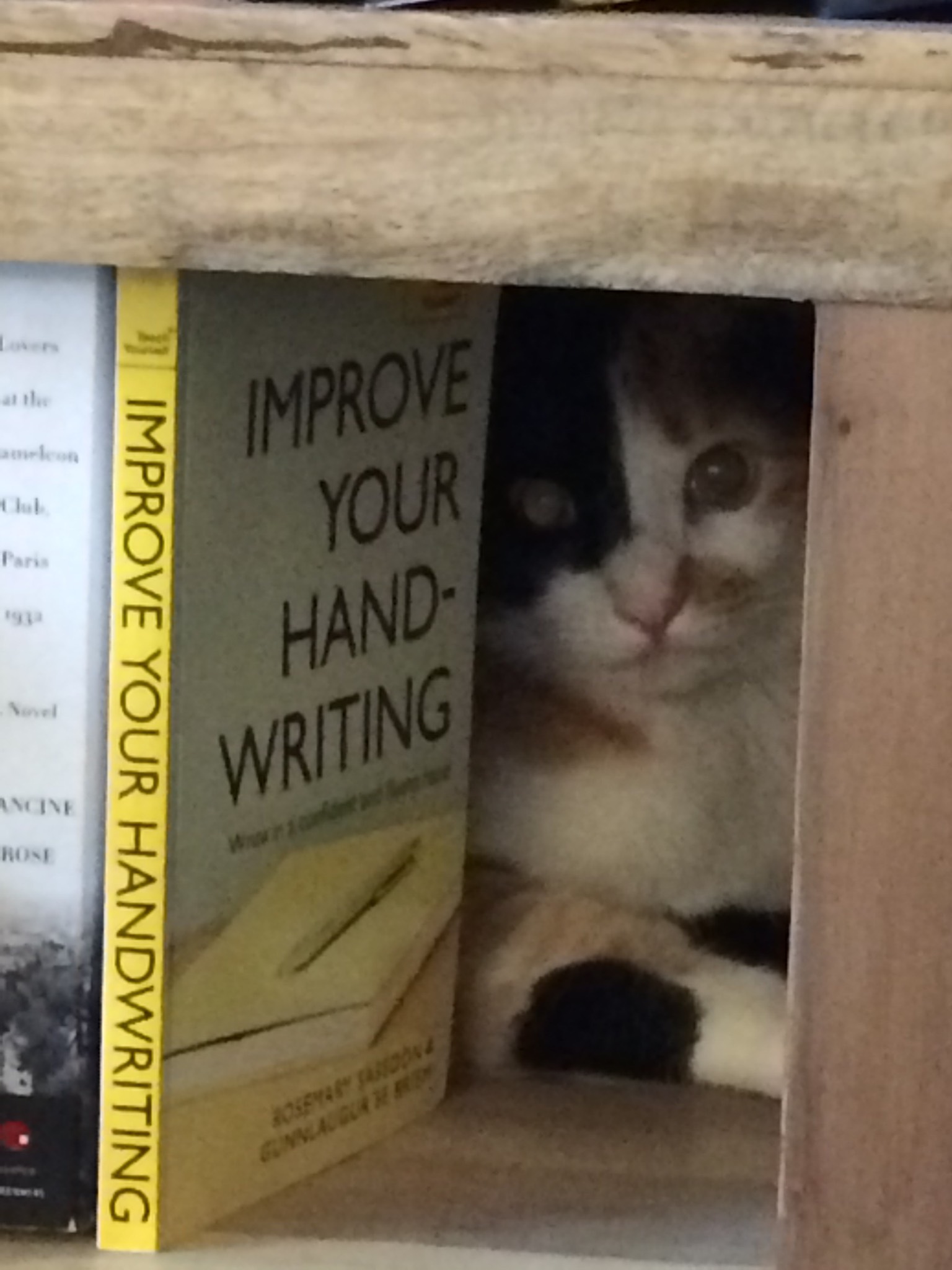
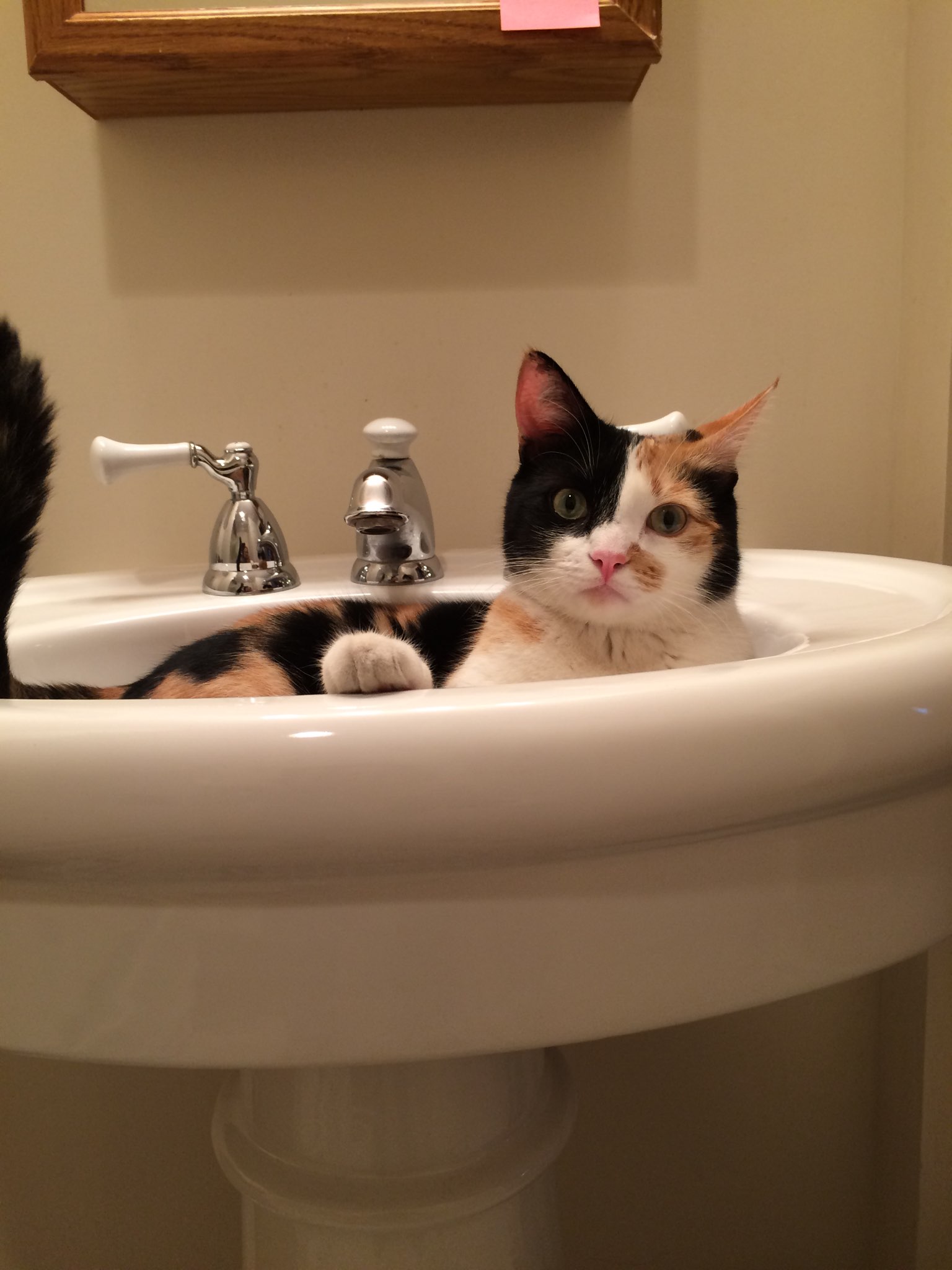
P.S. For fun, more photos of my BFF, Miss Peanut:

IMG_1337.thumb.jpg.7fa22e37b058085650d19IMG_1341.thumb.jpg.b13cbb657e43af4d26197IMG_1342.thumb.jpg.ad4f3944a544bc2230000

3 Comments

Recommended Comments

Monica, you are a WONDERFUL person! I'm grateful for your participation here at TGGuide.  I hope you had a very happy birthday. :) 

Briannah

Members

Happy birthday Monica!  You are a lovely person to chat with, and I hope your birthday is absolutely awesome!


Dear Emma, Lori and Briannah,

Thank you for your birthday wishes.  Am proudly age 60.

Emma, I love the pictures of your cat.

Will be writing about this milestone soon.

Yours truly,

Monica


Guest
Add a comment...

Account

Navigation

Search

Search

Configure browser push notifications

Chrome (Android)
  1. Tap the lock icon next to the address bar.
  2. Tap Permissions → Notifications.
  3. Adjust your preference.
Chrome (Desktop)
  1. Click the padlock icon in the address bar.
  2. Select Site settings.
  3. Find Notifications and adjust your preference.